I write this article for all my friends who use Nokia 5800 Xpress Music like mine. They seem to have the same problem…. they do not realise that their handsets are accessing 3g instead of free wifi (when the wifi signal dropped). At the end of the month, they were surprised to get a very expensive bill from their telco.
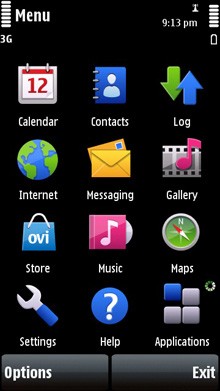
First, go to “Settings”
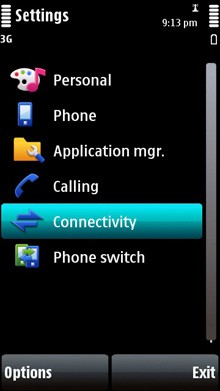
Then click “Connectivity”
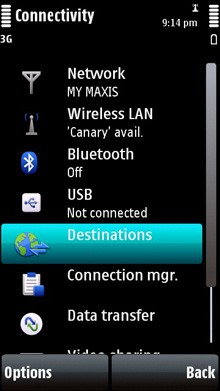
Then click “Destinations”
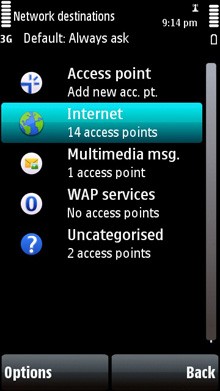
You will see all type of connections you have… Internet, Multimedia msg, WAP services and Uncategorised.
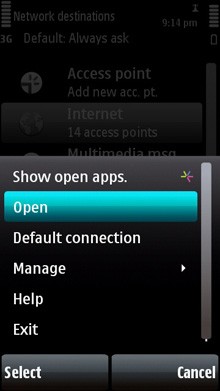
Hightlight one by one… for example, highlight Internet, click “Options”, then “Default connection”.
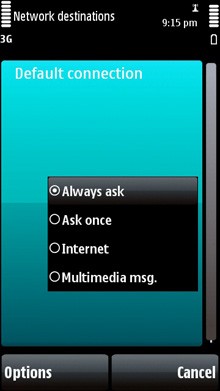
Click “Always ask”
Next time when you try to access the Internet, your handset will always ask you which network you want to use.
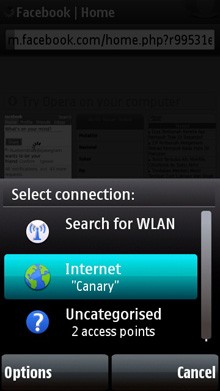
The above example shows that I am trying to access Facebook and the handset asks me whether I want to use my home wifi or other network.
Hope it helps.

Leave a comment